

J5CREATE GEN 2 4K 60 ELITE USB-C
Original price was: $191.99.$96.00Current price is: $96.00.
About This Product
Equipped with an advanced USB-C E-Mark chip, this multi-monitor mini dock is compatible with USB4 hosts and devices, featuring everything you need, from triple video outputs to 10Gbps USB ports, as well as 100W Power Delivery pass-through charging.
This USB-C mini dock supports DisplayPort 1.4 and Multi-Stream Transport (MST), giving you the ability to create a dual or triple 4K workstation with two HDMI and a DisplayPort output. It provides three USB SuperSpeed 10 Gbps ports (1 USB-C and2 USB Type-A) for peripheral connectivity or downstream charging, an SD & microSD 4.0 memory card reader/writer to manage your media files, and a Gigabit Ethernet port to access a wired network. It also supports Power Delivery 3.0, providing up to 100W pass-through charging to power the connected peripherals and charge your host laptop with a USB-C power adapter.
Features
- Advanced USB-C E-Mark chip integrates USB4, Thunderbolt 3 and Thunderbolt 4 compatibility
- Backward compatible with USB 3.2/3.1
- Three SuperSpeed USB 10Gbps downstream ports (1 USB-C and 2 Type-A) to connect peripherals
- Charge and power connected laptop and peripherals with 100W Power Delivery
- SD & microSD 4.0 memory card reader/writer for media storage and transfer
- Easily add a wired network connectivity with the Gigabit Ethernet port
- Plug-and-play, no driver installation required
- Extending one display up to 3840 x 2160 @ 60, easily switch to a higher refresh rate of 2560 x 1440 @ 144 via HDMI or 1920 x 1080 @ 240 via DP Port to enjoy your gaming under Windows OS.
- Supports dual 4K 60 Hz or triple 4K 30 Hz (2 HDMI and 1 DisplayPort) on compatible USB-C laptops with DisplayPort 1.4 alt mode with MST support*
System Requirements
- Available USB-C port that supports DisplayPort alternate mode and USB Power Delivery 2.0 or 3.0
Please refer to the manufacturer of your computer for more information about your device - The host device must support DisplayPort 1.4 to achieve 4K resolution at 60 Hz, main DisplayPort 1.4 devices are listed as follows:
- Macbook Air 13″ 2019 or later
- Macbook Pro 15″ 2017 or later
- Macbook Pro 16″
- iPad Pro 11″/12″ 2018 or later
- Surface Pro 7
- Surface Laptop 3
| Hardware | |
|
Warranty |
2 Year Limited |
|
Host Connector |
1 – USB-C Male |
|
Video Output |
2 – HDMI Female 1 – DisplayPort Female |
|
Power Source |
Bus-powered or self-powered |
|
Network Interface |
RJ45 (Gigabit Ethernet) |
|
Audio Supported |
Yes |
|
Ports |
|
| Performance | |
|
Maximum Display Resolution |
3840 x 2160 |
|
Maximum Display Refresh Rate |
Windows (MST) 3840 x 2160 @ 60 Hz 2560 x 1440 @ 120 Hz 1920 x 1080 @ 144 Hz |
|
Maximum Data Transfer Rate |
10Gbps |
|
Displays Supported |
3 |
|
Compatible Networks |
10/100/1000 Mbps |
|
Audio Channel |
2.1 via HDMI |
| Power | |
|
Power Delivery |
Up to 100W via USB-C |
|
Power Consumption |
650 mA |
|
Input Current |
Up to 5A |
|
Input Voltage |
Up to 20V |
|
Output Current |
Up to 4.25A |
|
Output Voltage |
Up to 20V |
| Physical Specifications | |
|
Color |
Space Grey |
|
Enclosure Type |
Aluminum |
|
Cable Length |
7.87 in. (20 cm) |
|
Product Height |
5.8 in. (148 mm) |
|
Product Width |
2.17 in. (55 mm) |
|
Product Depth |
0.67 in. (17 mm) |
|
Product Weight |
4.36 oz (123.5g) |
|
Storage Temperature |
0 to 155F (-17 to 68C) |
|
Storage Humidity |
< 85% non-condensing |
|
Operating Temperature |
30 to 116F (-1 to 41C) |
|
Operating Humidity |
< 85% non-condensing |
Special Notes
- A host laptop without MST support can only connect to one additional monitor
- The MST protocol is not currently supported by macOS or Chrome OS. The display output is limited to mirrored mode when connected.
- A 4K-capable display is required for obtaining the 3840 x 2160 resolution
- If connected to a USB 2.0 host port, or if using a USB 2.0 host cable, performance may be limited
- If connected to a DisplayPort 1.2 device, performance will be limited to 3840 x 2160 @ 30 Hz (Windows)
- The mini dock can connect to a USB-C port that doesnt support Power Delivery, but it will not pass power through the connected device
- If you are using high-powered USB devices, attach a USB-C power adapter to the power delivery port to ensure maximum performance. To avoid disruption, do not remove the power adapter while copying files.
- We advise no more than one (1) bus-powered/portable external hard disk drive to be connected to the adapter at a time
Package Contents
- 1 – JCD397 4K60 Elite USB-C Triple-Monitor 10Gbps Mini Dock
- 1 – Quick Installation Guide (QIG)
Related products
-
Sale!

Basesailor for iPhone 17 16 Pro Max Charger Cord,USB to USB C Cable,Type C Charging Power Cord for Apple 17e 15 iPad 10 Air 4 5,Samsung Galaxy S26 S25 S24 S23,Blue,2Pack 3.3FT(1M)
Original price was: $17.75.$14.20Current price is: $14.20. -
Sale!
Belkin 2m Micro-USB Cable White F2CU012bt2M-WHT
Original price was: $5.00.$4.00Current price is: $4.00. -
Sale!
J5CREATE USB-C MULTI-PORT HUB WITH POWER DELIVERY
Original price was: $77.99.$39.00Current price is: $39.00. -
Sale!
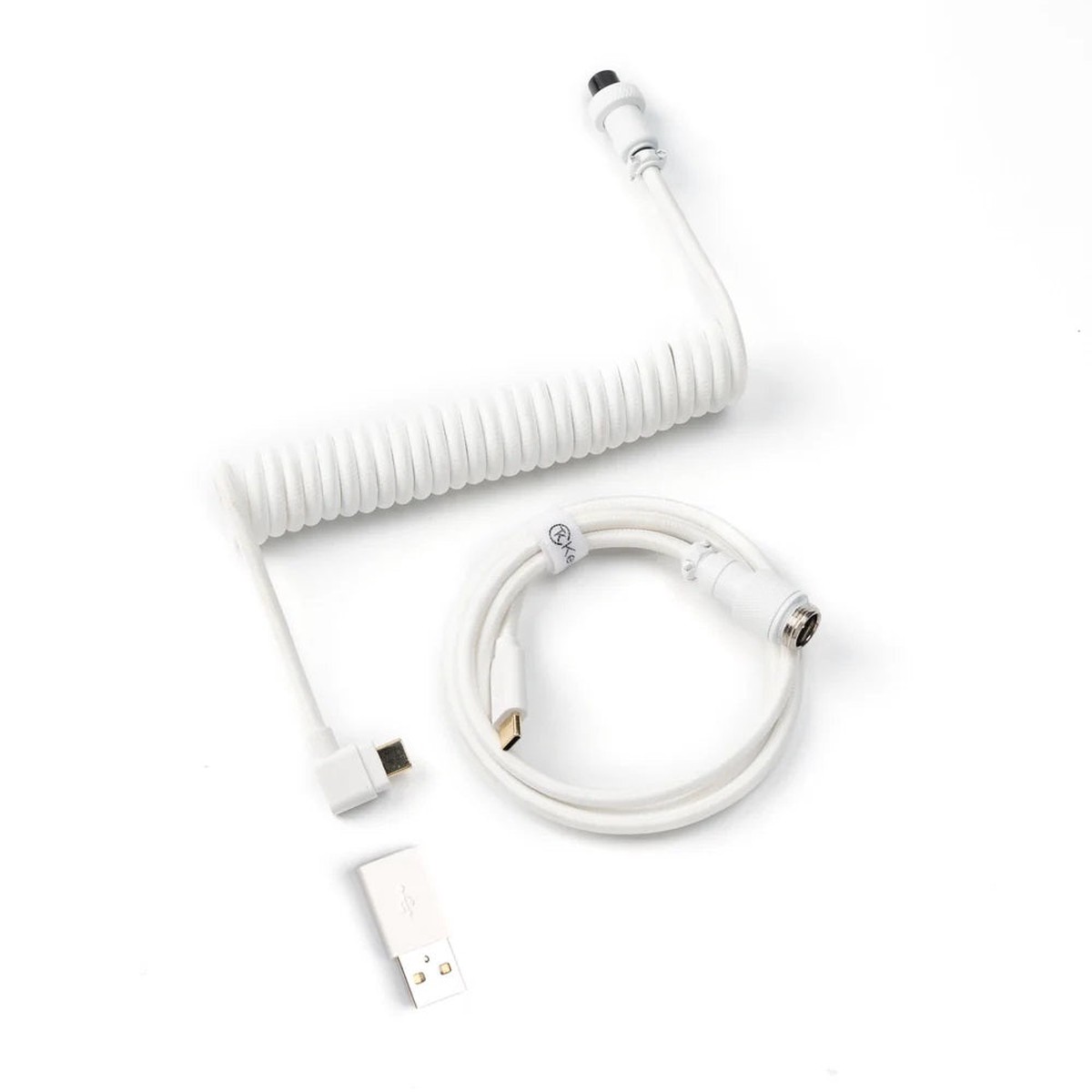
Keychron Coiled Aviator Cable Angled Connection
Original price was: $16.00.$12.80Current price is: $12.80.


Reviews
There are no reviews yet.